← back rustamp | updates Jan 20, 2026
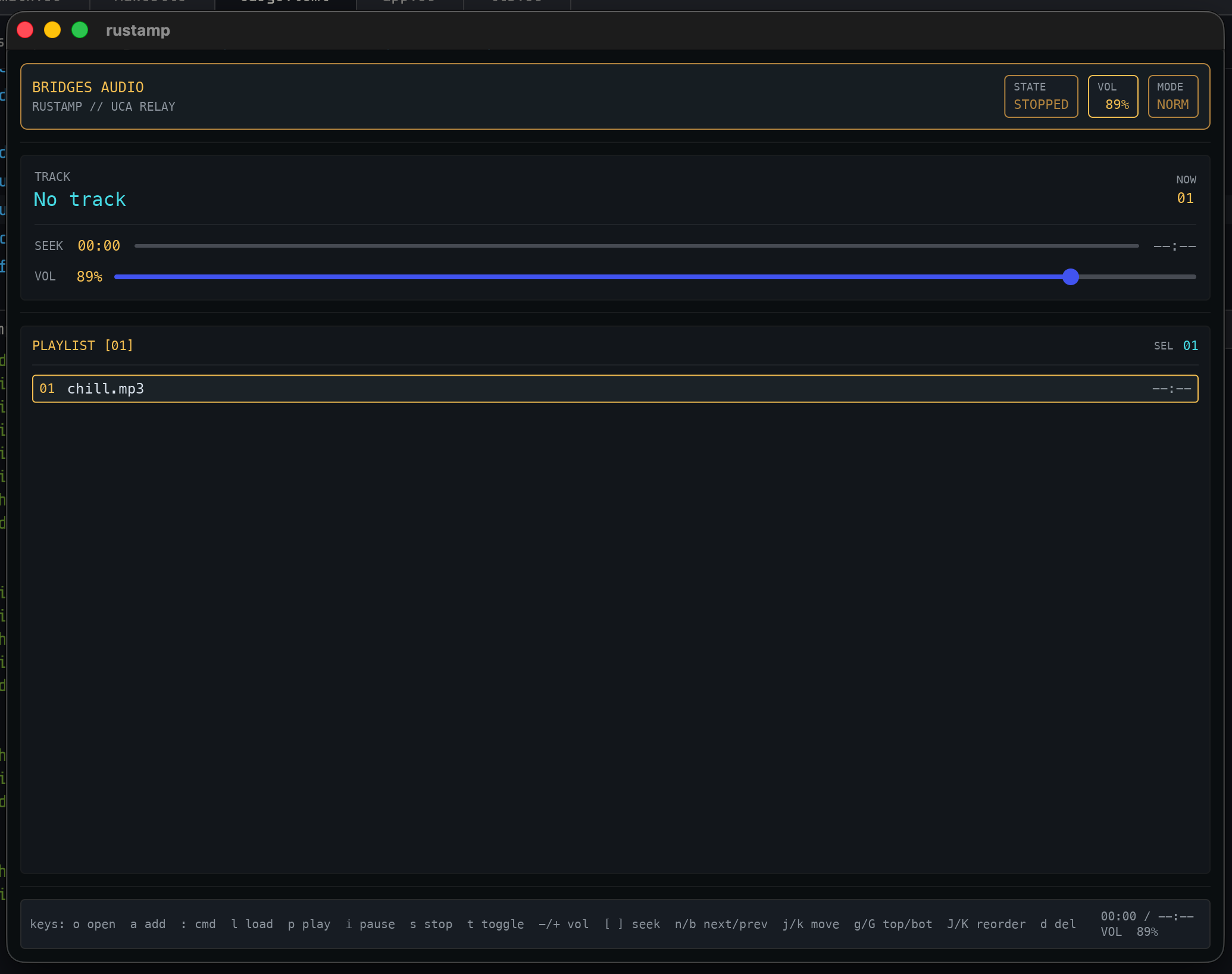
I started by giving rustamp a Death Stranding-inspired HUD in Iced. The look stuck: mono typography, amber tags, cyan highlights, and layered panels. After the first iteration, it was obvious this shouldn't be a one-off. I wanted to reuse the same components in other Rust apps without copy-pasting UI glue everywhere.
So I split the HUD pieces into a small crate,
rustamp-iced-ui, and wiredrustamp-icedto consume it as an external path dependency. The result is a reusable set of components with the same visual language, plus fewer lifetime gymnastics in the app layer.What changed
- Added
rustamp-iced-uiwith aHudThemepalette and a handful of reusable components. - Refactored the Iced view to consume those components instead of inline styling.
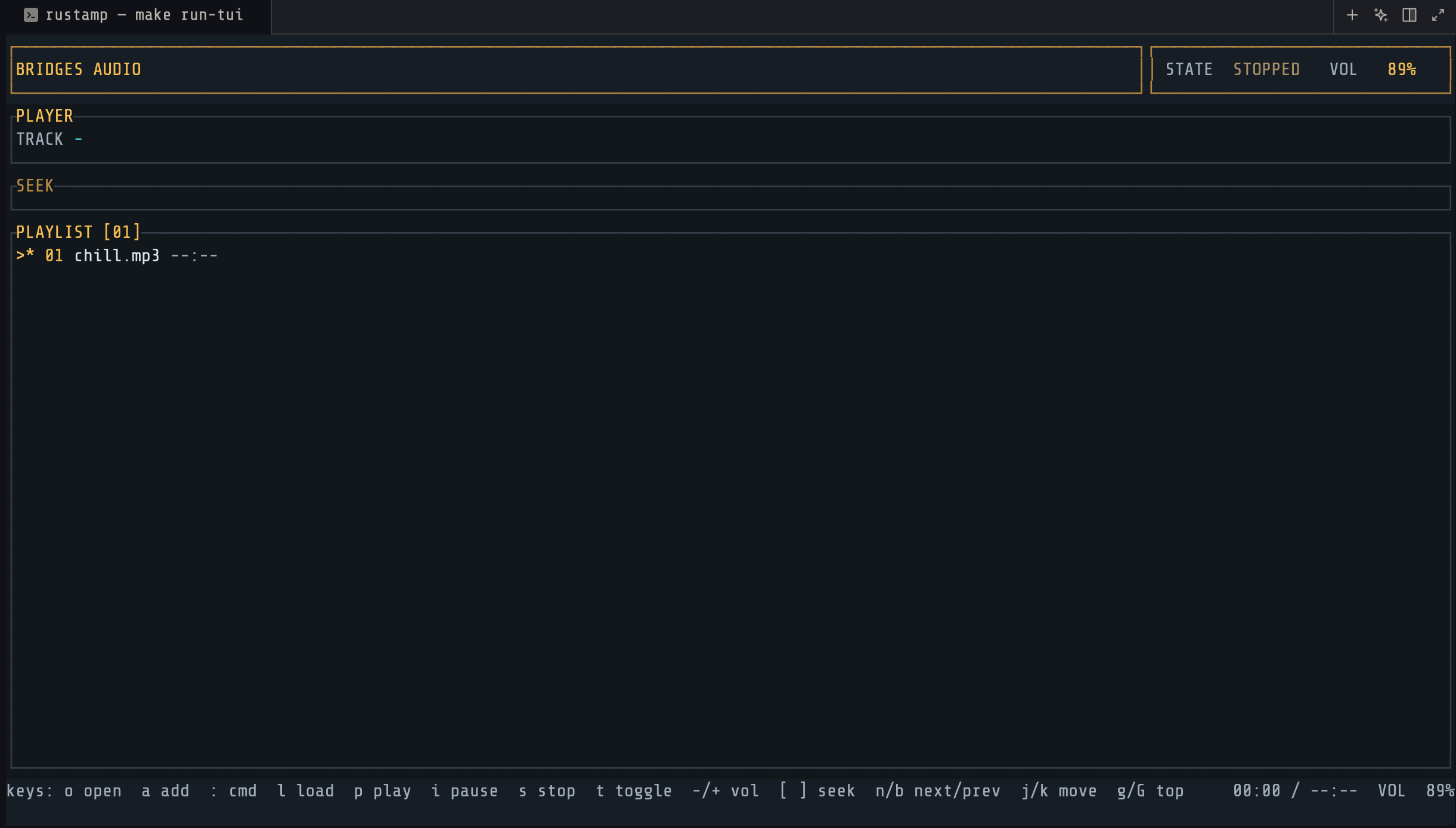
- Matched the Ratatui layout to the same HUD vibe, so the terminal UI doesn't feel like a second-class citizen.
- Split
rustamp-iced-uiinto its own repo and referenced it via a path dependency.
The components
The crate is intentionally small: a theme struct and a few building blocks.
HudTheme: mono font + palette + a tiny alpha helper.panel_style,header_style: style closures for consistent panels.divider: a thin rule with the right border color.tag,header_bar,status_bar_text: common HUD structures.
That is enough to build a DS-style surface without embedding styling logic in every view function.
Why the API looks the way it does
Iced's style closures and widget builders can be picky about lifetimes.
Instead of pushing those constraints into the app, the component helpers
take a HudTheme by value. HudTheme is Copy-friendly, and that
sidesteps a lot of lifetime noise when composing UI.
Example usage in the app layer:
use ;
let theme = default;
let header = header_bar;
let status = status_bar_text;